

Waterfall Classic
Technical maintenance update to support ongoing improvements.
Measure Operation Mode
Introduced the ability to choose the operation mode for measures – Add, Subtract, or Subtotal – providing precise control over how each measure contributes to the waterfall chart.
Arrow Label Customization
Added text templates for labels on the arrows connecting columns, allowing you to display values, percentages, or both. Also included settings to customize the font of arrow labels: style, family, size, and color.
Improvements:
QLIK-760 — Color by Expression Enhancements:
- Subtotals can now inherit colors from preceding points.
- Data points for which the color expression resolves to null are now gray by default.
- The legend now shows only custom items when using the color-by-expression mode.
QLIK-785 — Additional Adjustments:
- Improved the arrow placement algorithm.
- Number formatting settings now also apply to arrow labels.
- Enhanced axis ticks settings.
Stacked Total Bar
We've expanded the options for displaying total bars. Alongside the typical single solid bar representation and our handy Split Total feature (allowing you to divide the Total bar into multiple consecutive bars), you now have the choice of a stacked bar with colored or non-colored sub-bars. This addition enhances the evaluation of subcategory contributions to the Total, complementing the existing options to grant you complete control over the visualization of your Totals in waterfall charts.
Improvements:
- Updated the naming of elements in the properties panel for improved readability and navigation.
Bug fixes:
- Removed underscores from category names on the X-axis.
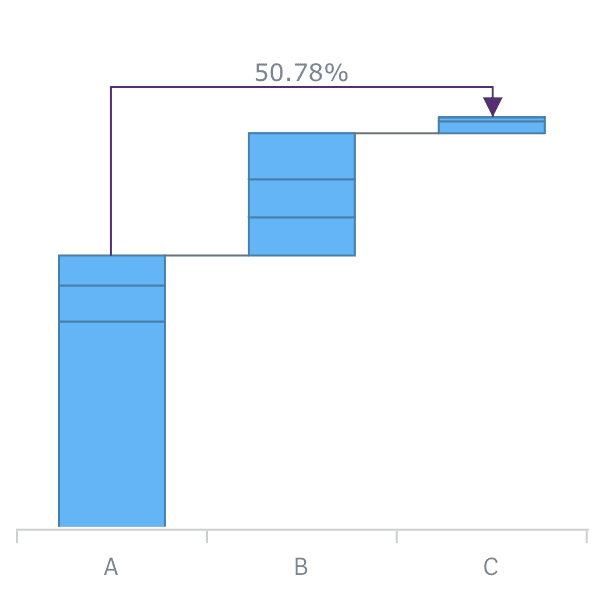
Cross-category Connectors
AnyChart Waterfall extensions now allow you to add Cross-category Arrow Connectors that can show the percentage or absolute value difference between any two categories
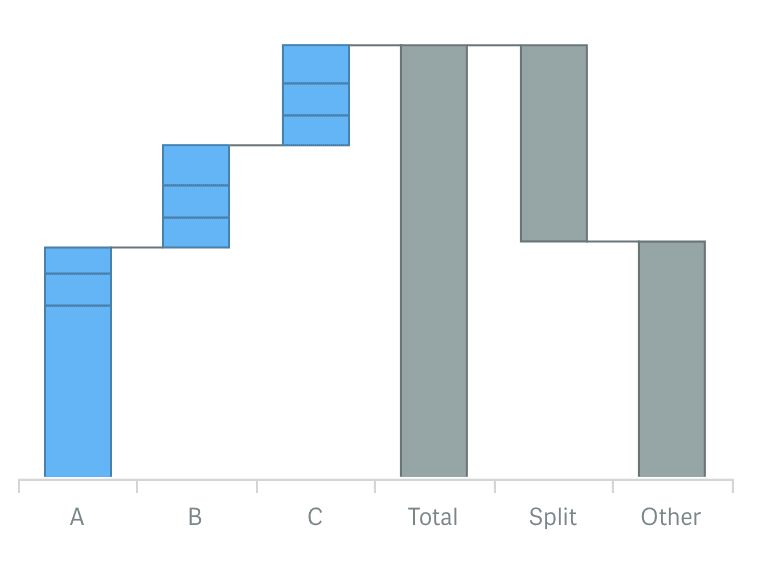
Split total display
Now you can use a split display of the total category to provide for context and clear view of the elements total value consists of.
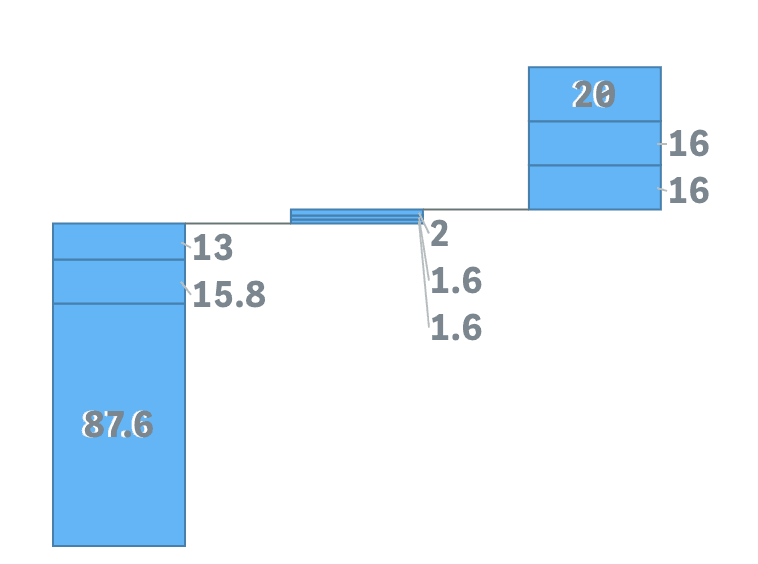
Outside labels placement and threshold modulus settings
Stacked AnyChart Waterfall Extension for Qlik Sense now has a special option for small values in stacks: labels can be displayed right beside the stack or hidden if values defined by a certain threshold are irrelevant to the analysis.
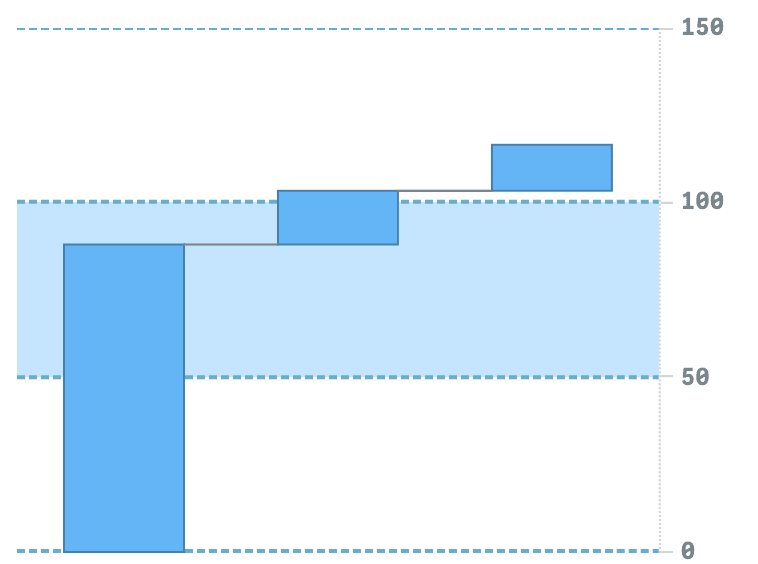
Axis and Grid settings
Waterfall charts now have extended axes and grid settings giving you an option to give charts a more appealing and informative look.
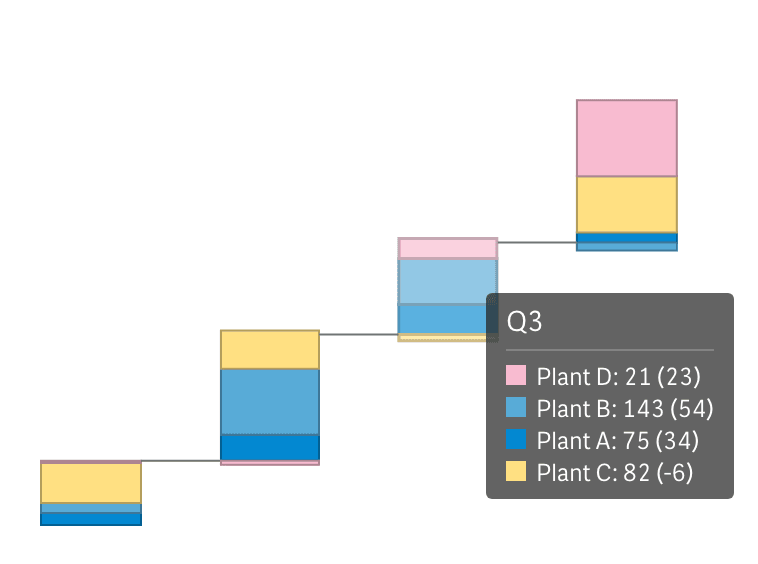
Union tooltip for subcategories stacks
Stacked Waterfall charts now have an option to show one tooltip for a stack instead of separate, allowing users to see all information about elements accompanied by proper color legend.
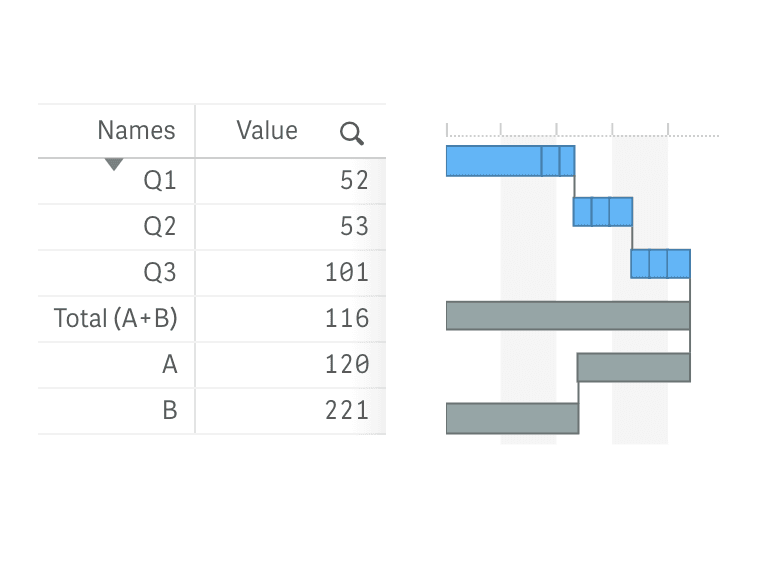
Vertical Layout
All Waterfall charts can now be shown vertically, allowing you to place them against a table and provide information in more telling context.
Improvements:
- QLIK-409 — Stack labels can now show absolute and relative values.
- QLIK-414 — Axes labels for subtotals can now be set with expressions and variables.
- QLIK-294 — Calculation conditions are now available for dimensions and measures.